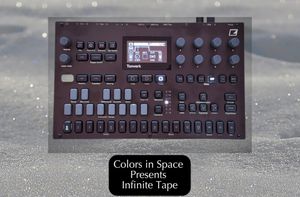
I wanted to take a fresh approach with this release and explore a different workflow to keep things inspired.
The Concept
This pack features 25 presets organized across 3 projects:
• Tape 1: Sounds 1–9
• Tape 2: Sounds 10–18
• Tape 3: Sounds 19–25
The Sound
Each preset is a dual-layer "Hybrid." Track 1 hosts a custom Tape Sample, while Track 2 uses the OP-XY Synth Engine. Together, they create a unique "Ghost in the Machine" texture.
The Walkthrough
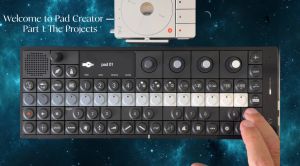
In the demo video, I play the OP-XY synth engine solo first to showcase the clean tone, followed by the tape layer to demonstrate the added character and grit.
Creative Flexibility
These pairings are just a starting point. You can mix and match any sample with any synth engine, or layer my custom tape samples over your own existing presets.
Navigation
To browse the sounds, load a project, press the Arrange button (the icon with 4 rectangles), and use the Value Knob to scroll through the bank.
Installation
Inside the download, you will find a folder named "Tape." Simply drop this folder directly into the Presets folder on your OP-XY. For the projects, place Tape 1, Tape 2, and Tape 3 into your Projects folder.
Cheers,
John